

Invoices In, Typing Out
Upload vendor invoices and AI parses them against your inventory catalog, so prices and stock stay current without anyone re-keying a line.
See MoreOrders That Write Themselves
Purchase orders are suggested from your reorder levels. Send them by email, SMS, or print, then receive the delivery against the order.
Counts Without the Clipboard
Mobile count sheets save as you go, so a count survives a dropped signal or a cook pulling you onto the line.
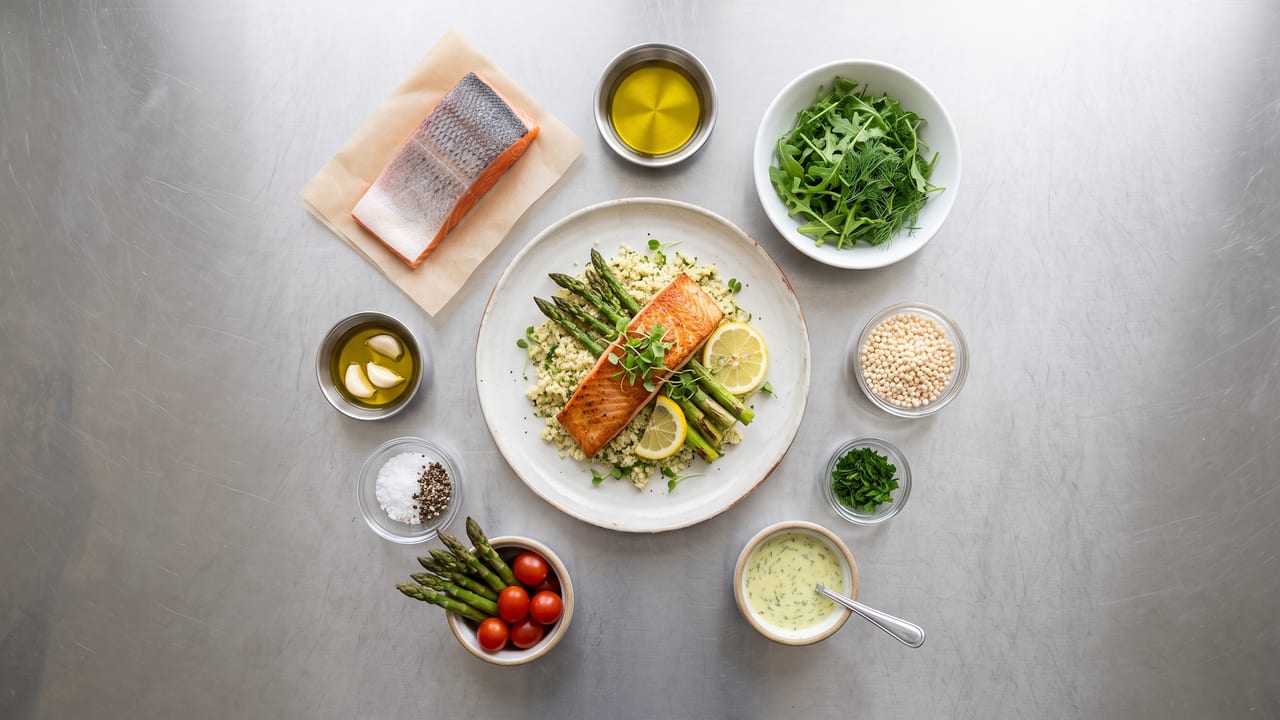
Recipes & Costing
Every Plate Has a Price.
Build recipes from your master ingredient list and NX tracks the cost of goods behind every menu item. When a vendor changes a product, the substitution wizard swaps that ingredient across every recipe and open purchase order, and shows you the impact before you commit.
- Recipes tied to menu items with COGS tracking
- Ingredient substitution with an impact preview
- Clone, bulk-edit, or schedule recipe changes
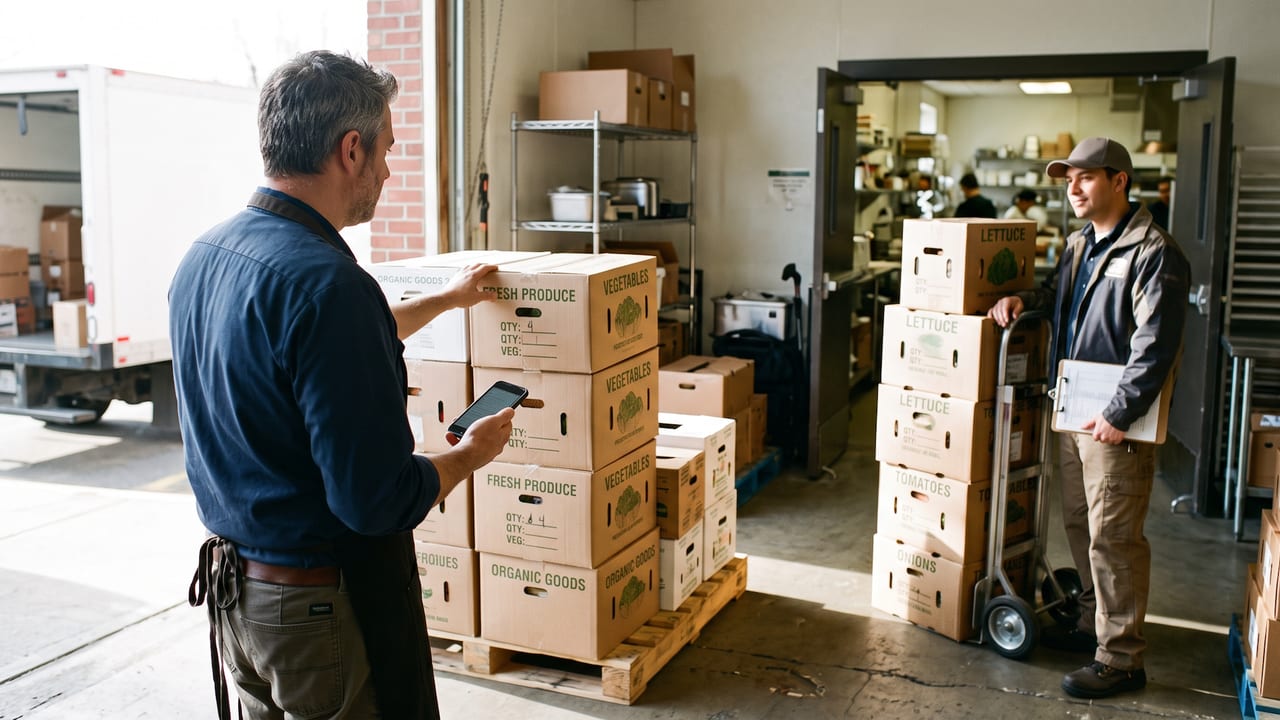
Find the Leak
Variance, Ranked by What It Costs You.
Log waste with reason codes, then read variance and cost reports ranked by impact. The first thing on the list is the thing worth fixing first.
- Waste log with reason codes
- Variance and cost reports ranked by impact
- Purchase-order status tracked from your phone