
Deposits That Stop No-Shows
Take a card-on-file deposit when the booking is made. Automated SMS confirmations and reminders get guests through the door.
A Waitlist That Texts
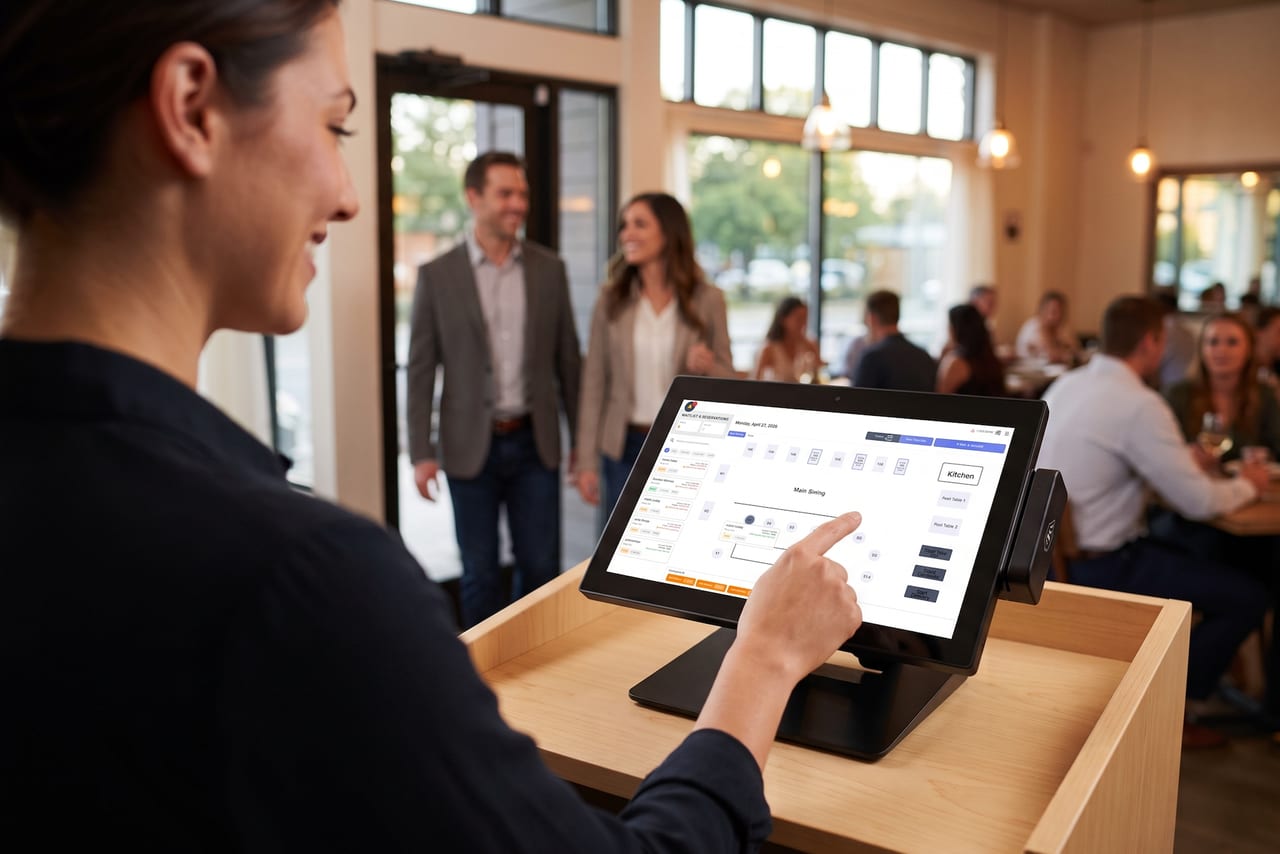
Add walk-ins in seconds and seat them in the order that works for the house. Guests get a text when their table is ready, so they can wait at the bar instead of the door.
One Host Stand, One System
Reservations and the waitlist run on the POS, next to the same floor plan your servers work from, so the host seats from the room as it really is.
See More
Before They Arrive
Every Booking, Confirmed.
Pending bookings land in one reservation queue, where you confirm or decline each one. Once a booking is confirmed, NX handles the follow-up: the confirmation text, the reminder, and the deposit that's already on file.
- Card-on-file deposits taken at booking
- Automated SMS confirmations and reminders
- Confirm or decline pending bookings from one queue
Know Your Door
See How the Night Really Went.
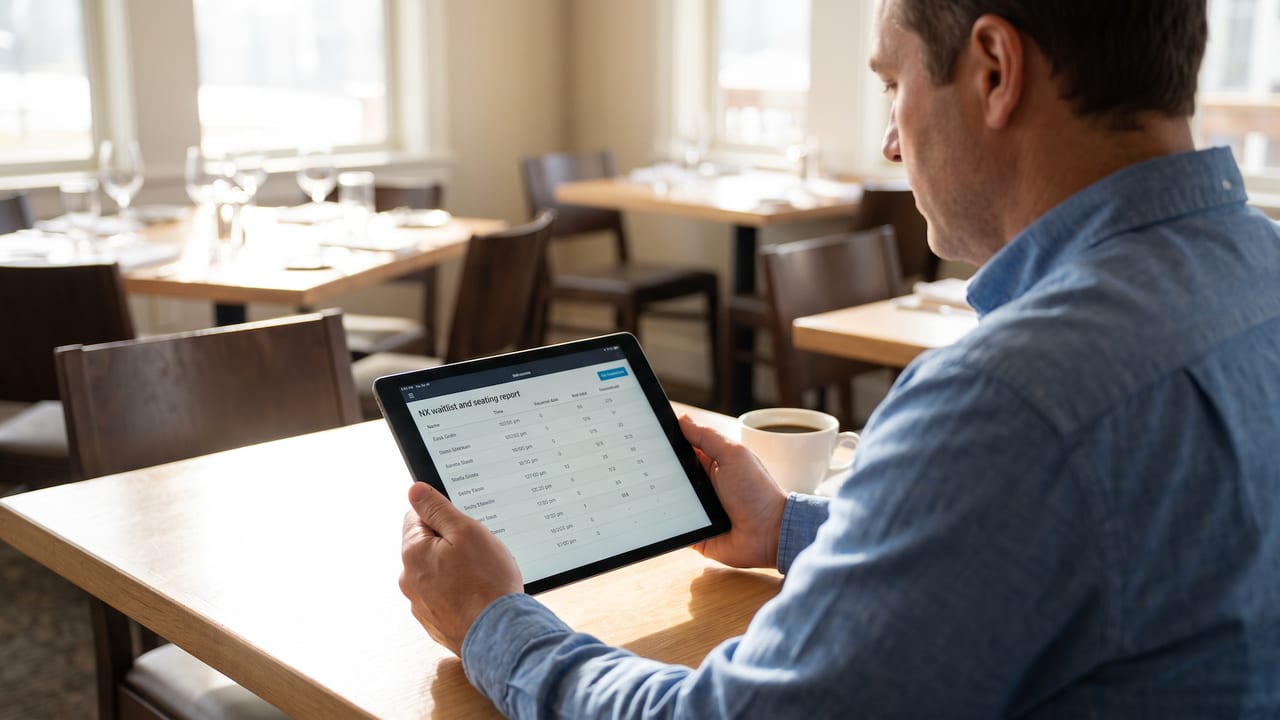
The waitlist and seating report shows waitlist volume, real wait times, and seating history for any date range, so you can staff the door for the rush you actually get, not the one you guessed at.
- Waitlist volume and wait times by date range
- Seating history for any night or any month
- In the same reports library as your sales and labor